
If there is one thing that we deem necessary in our unschooling setup, it’s for our kids to each have a mobile device they can use to access both their academic resources, online meetings, and other projects.
And while we have a tablet that the boys share for these, because the two older boys need to leave for training daily and usually access their academics online during their breaks or on the P2P bus, they take the tablet along with them so they can study there.
They do have a laptop that they also share among themselves, but it needs to be taken to the shop to get some issues fixed, so Judah, who stays home, has to use his mobile phone for his online meetings and tutorial sessions. He even uses it for writing his blogs!

That is okay, I suppose, but I have always hoped that he would have one to use that would have a wider screen. I do let him use my laptop from time to time but it’s my work laptop. I’ve hoped to get my old laptop fixed, but we haven’t quite gotten to that yet.
Best Value Versus Low Cost Tablets
When it comes to low-cost mobile tablets, it’s not just about the price—they also need to meet your needs. We were once given a hand-me-down by a friend, but my kids couldn’t use it because downloading apps was painfully slow, and the overall performance just wasn’t up to par.

Trust the Brand
I’m already familiar with the LUMOS brand—we’ve been using a LUMOS projector for our home movie nights, and we’ve been really happy with its performance. In fact, we haven’t felt the need to buy a new TV because we love it so much. We even set up a projector screen in the living room of our new house just for it! So when I received the LUMOS bundle, I instantly knew it would be perfect for Judah!
The LUMOS tablet has the following specifications:
- 10.1 inch IPS Display
- 4K Support Resolution
- 8GB RAM (Smooth, fast, and responsive interface)
- 6000 mAh battery (up to 8 hours runtime)
Plus, it’s already built-in with apps like Netflix and YouTube, and it has WPS Office Apps, which is great for when Judah needs to work on his stories or write essays.
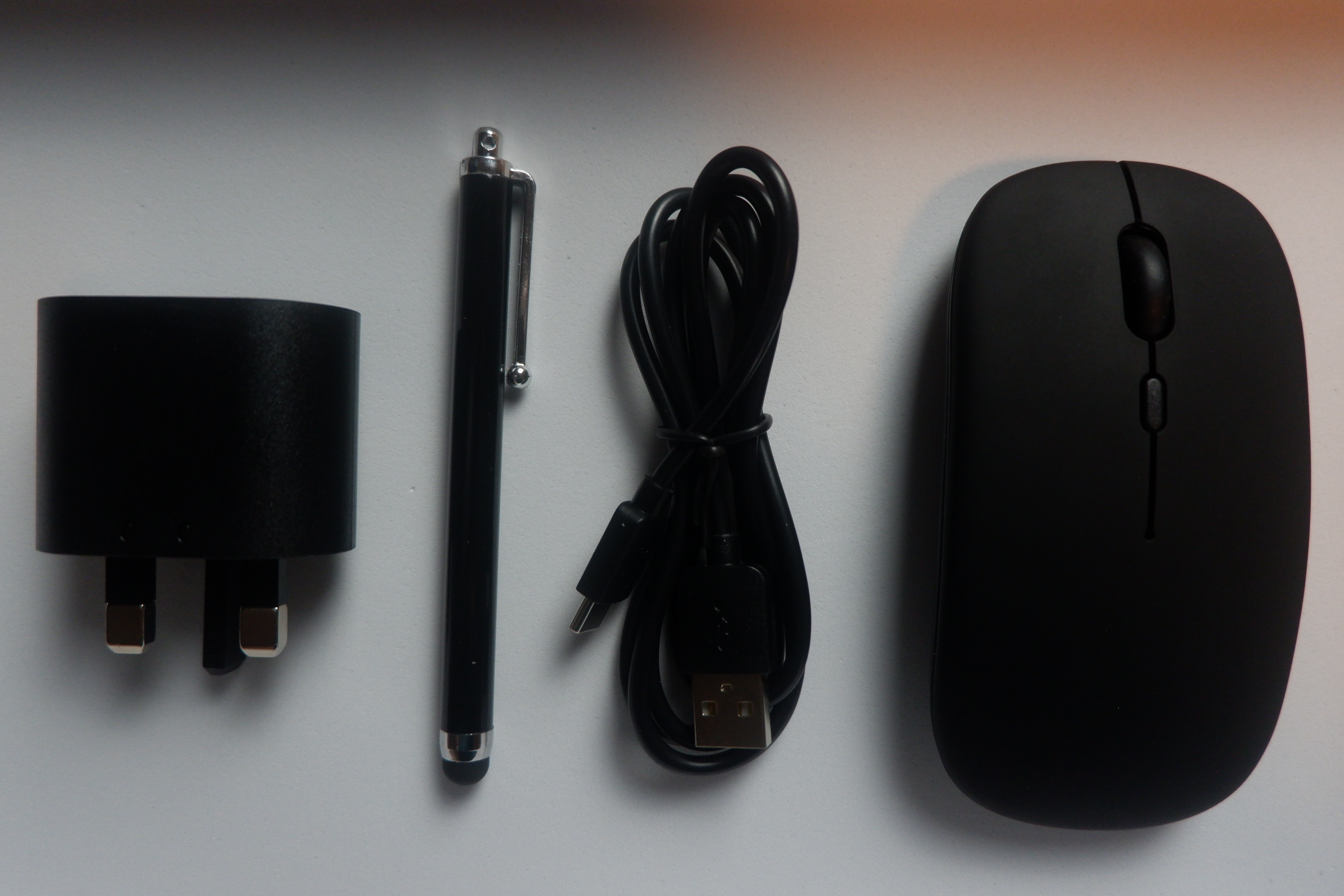
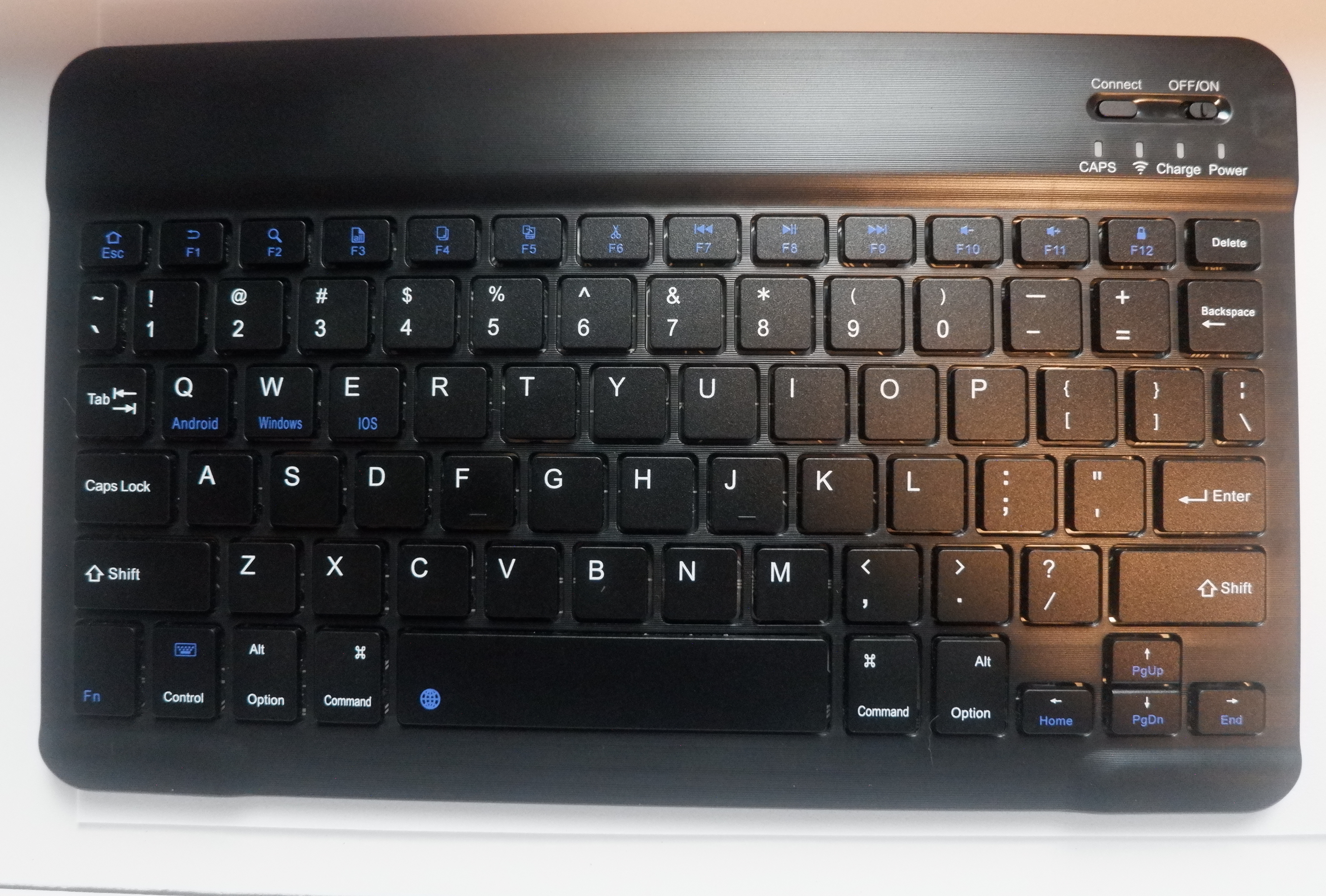
The bundle comes with a Bluetooth keyboard and mouse, and a stylus pen, so we could convert it into a mini laptop or a drawing pad.
Many of the built-in apps are geared towards the preschool and lower grade levels (Khan Kids, Preschool Games, Duo ABC, Early Learning, YouTube Kids, etcetera), and since Judah is already a teenager, we customized it to his needs.
We downloaded the Zoom app, which is what he commonly uses for his club meetings and tutorial sessions, BandLab for music production, Ibis Paint X for his digital drawings, Messenger for his communication with his friends and clubmates, and socials—Facebook and Instagram. He also downloaded Google Drive for his collaboration needs.
We don’t have an Android TV to cast to, but the LUMOS tablet comes with casting capabilities. So if you need to share your screen during a presentation, or when you’re watching movies on Netflix, having a karaoke session with friends, or just want a larger display, this feature definitely comes in handy.

I guess, the only thing you may need to get is a pair of earphones for clearer audio, especially if you’re in a noisy location. The bundle doesn’t include one.
How Judah uses LUMOS
Just to give you a glimpse of how things have been going on with our kid utilizing his LUMOS tablet, here’s a short video:
Unschool Anywhere!
We’re obviously happy that our kid now has a device he can use at home or take with him when needed. There are times we have to be somewhere important, and having a tablet makes it easier and much more convenient for him to bring and set up anywhere for his Math and drawing classes, or attend his meetings with the STEM club and Likha’s Cradle.
He hasn’t done it yet, but he will also use the LUMOS tablet for following recipes when he bakes and cooks. He’s our resident chef – well, seasonal, that is, haha!I may even borrow it from time to time to check on my work online or blog when we’re out-of-town!
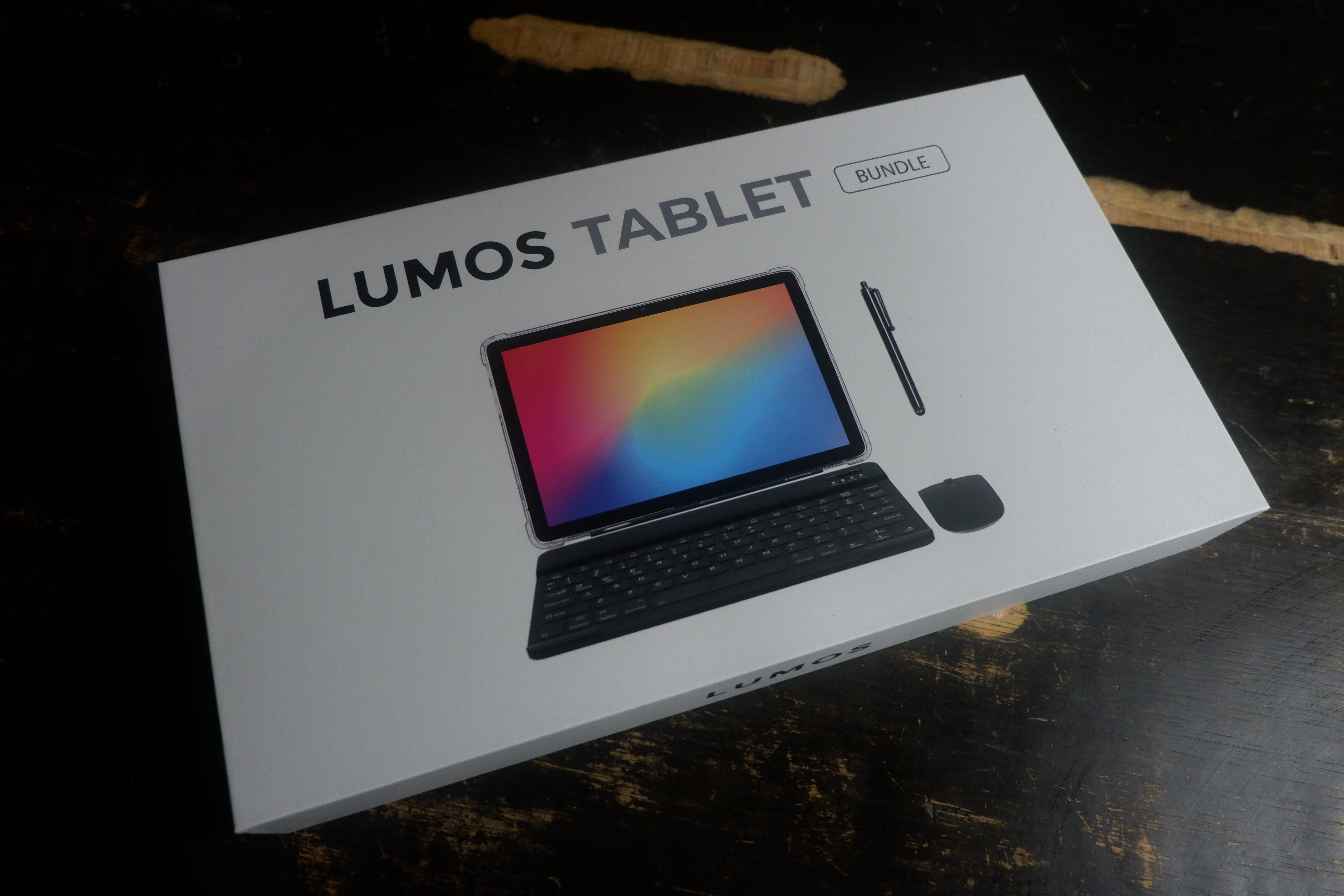
The LUMOS Bundle, which comes with the accessories I previously mentioned, like the keyboard, stylus pen, and mouse—and I almost forgot, it also comes with a protective case—plus the TV box apps, only costs Php 8,499, but you have the option to just buy the tablet for Php 6,999.
You may order it on the official LUMOS website by clicking this link: https://lumosprojector.ph/products/lumos-tablet
Follow LUMOS on their socials:
Instagram: @lumosprojector_ph
Facebook: LUMOS Projector Philippines (@lumosprojetcorph)
TikTok: @lumosprojector_ph








 May Palacpac, Storyteller
Leave a Reply to May Palacpac Cancel reply