I almost didn’t make it to the WordPress workshop yesterday. We found our 4-year old Lukas lying on his vomit on the bed when we woke up and I thought he caught the virus that our 3-year old Judah had just last week. He didn’t throw up anymore after that but cleaning up the mess took a while so I made it to the workshop but I was late!
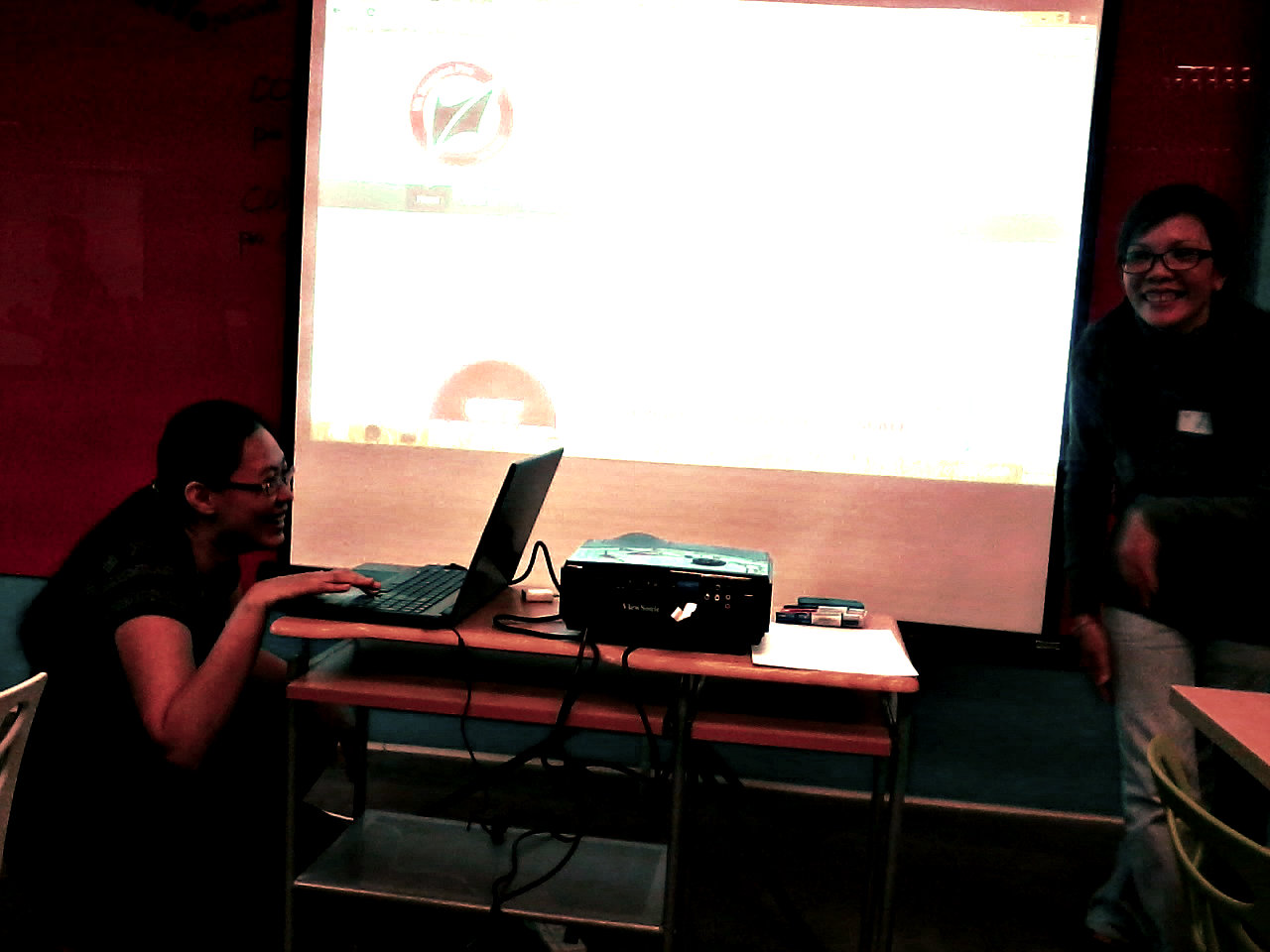
Why I signed up for WordPress Workshop
I’ve got two reasons why I signed up for this workshop: Personal and work-related reasons.
I’ve been blogging on WordPress for a couple of years now and I think my blog site has improved since I started it, you’d think I would know what I’m doing. I mean, I’ve got the widgets I need in place like those Twitter and Facebook buttons on my sidebar, I’ve got a picture that I personally took uploaded on my header and hey, I even got a logo going on there. I really do look like I’ve got it all figured out. NOT!
Okay so I did figure out a little of this and that and I was able to do that by tinkering around and trying out stuff, but I stayed away from those that I didn’t understand like plug-ins and those buttons that looked fierce on my dashboard. I’ve been wanting to buy my own domain name and get my blog site hosted, but I wanted to understand why I need to pay for that in the first place when I can just continue using WordPress for free.
I’m also in the process of creating an online portfolio for my home schoolers and I’m looking at WordPress to nest that in. I want to know how I can max the free site to aptly display the works of my children, especially Pablo who has created some demos using the Scratch program. I expect him and his brothers to come up with more stuff like that so I want know how I can upload them all on their respective sites.
And work-wise? Okay, let me show you this poster posted by The Happy WAHM, Marge Aberasturi, who was one of the lecturers and a key person in the VA Support Pro team:

Focus more on numbers four and five. That’s why.
I work online and that means I work all of our company’s social media pages, newsletters and blog sites. I wanted to hear from seasoned online marketers on what they’ve been doing to optimize their clients’ websites on web browsers, most particularly Google. Marge and Jennyfer Ang Tan, who was the “techie” half of the tandem, have been working with clients all around the world for years.
My company’s preferred CMS is Drupal but I think SEO strategies are universally applicable.
The ‘oohs’ and ‘aahs’ from the registrants
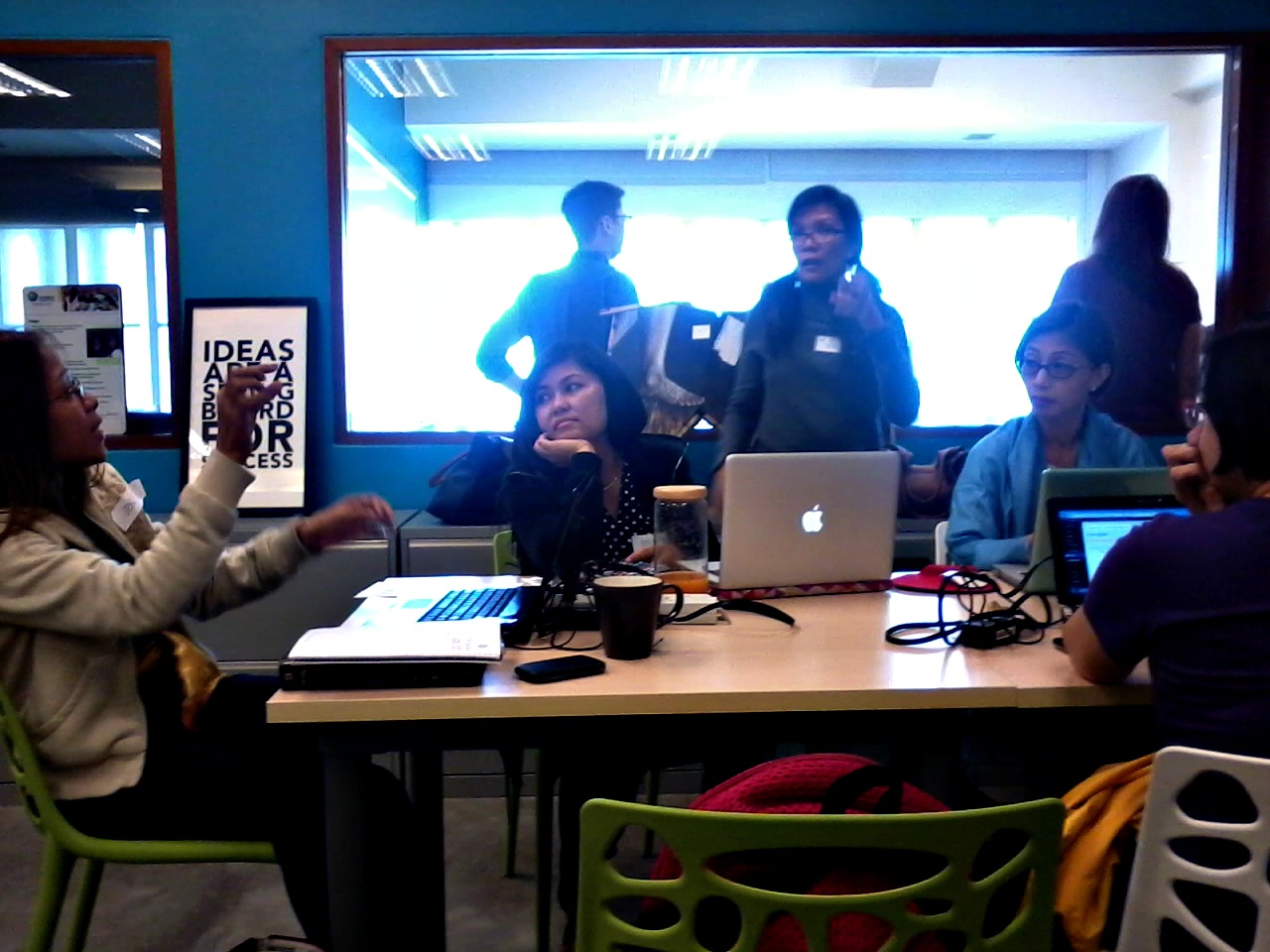
I know this sounds silly coming from someone who’s done so many tasks online but I finally understood the difference between plugins and widgets. I so appreciate the way the workshop was conducted. It was casual, easy and friendly. I don’t know yet exactly the extent of Jennyfer’s techie skills. judging from where I sat, she probably knows how to code, but it was not hard to listen to her at all. She spoke Muggle linggo, whupee!
Have you ever spoken to a web developer? I don’t know about you but most of the time, it just requires too much brain power to understand their explanations on the technical side of things. Their concept of what’s simple is not really simple. And I don’t mean that in a bad way, I think web developers rule the world….seriously.
Yesterday I learned what metas are for and now has an idea of what a short link is for. Listening to them was also a review of all the tasks I did for my first online boss but this time, I learned the whys. I don’t really get to do those tasks for my company now, our SEO specialist has employed a different strategy, and since he knows the internet better than me, I’ve been following his lead, but you’ll never know when these information would get handy.
Oh and did you know about the kitchen tool on WordPress? I didn’t even know what that was called until yesterday! And that little box that appears on our company blog page when I’m about to post an entry, well, now I know what that is and why it’s there.
And it’s funny to find out that there are short cuts for some of the things that we like to do on our blog sites like I didn’t know that I can just click on a link that will lead me to a list of the past blogs so I can link the right one to a current post if I want to. I used to open another page just to search for an old post I want to link back to and it was so time-consuming.
And then there were the tips on how we can keep ourselves from getting our website URLs blocked in Facebook which was good because I have the tendency to post our company blogs all over Facebook and how we can keep our URLs from being abused by spammers.
That and so many other things were taught us at the workshop. And because the presentation was casual, it was easy to ask questions and they were quick to answer them.
We were given a static site to practice on during the workshop. They would demonstrate how to use some buttons which we would see on the power point screen and we tried them ourselves on our laptops.
Discomfort….
To be honest, there were a lot of things I missed in the workshop. First of all, I was late by thirty minutes. There were also instances when I had to stand up and leave the room in the middle of the workshop for reasons I cannot talk about in the blog. Let’s just say I had to deal with a discomfort and needed my husband to drive back, kids and all, to where I was and bring me what I needed.
My apologies to Jennyfer and Marge for that.
Rerun. . .
They called the workshop a “rerun” because VA Support Pro has conducted the workshop before, and according to fellow WAHM, Michelle Padrelanan of Beyond Silver and Gold, it’s their third run. Talk about a successful event!
Many of those who came were WAHMs and it was nice to spend a day sitting with them and learning with them. It was relaxing and not at all intimidating.

the registrants of Getting to know WordPress Rerun
(Image source: Milona Barraca)
Other details…

Getting to know WordPress is good for bloggers who want to use WordPress as platform. It’s good for moms (and dads) who are technically challenged, and for those who want to look into using WordPress for business.
The best part about it is that VA Support Pro is also offering hosting services and if you’ve attended the workshop, they’ll add you into a private group where you can ask questions as you create your site and about the things discussed in the workshop.
I think my sister-in-law Jenny would enjoy this workshop, I’ve been bugging her to start writing again. Jenny’s not at all technically challenged, she’s worked as project manager for a local web development company long before she became a massively-paid call center consultant, but she’s having some trouble figuring out WordPress.
Jenny and I hit it off in college at DLSU-D but when we discovered that we both write, that was when we heard the click that sealed us off. We would stay up all night reading each other’s works through the phone. We were both taking up communication and it was because of her that I decided to write for Heraldo Filipino. Anyway, that’s a totally different story…my point is, she would love this workshop and I would definitely recommend it to her.
Besides, she’s a business woman, too. She’s got her own bakeshops, cybercafes and massage services…it might be time for her to take her entrepreneurial skills to the internet where the future is. I kid you not. If you’re running a business, learn the internet, you won’t believe the opportunities you’ll find there!









 May Palacpac Art Studio
Leave a Reply to May De Jesus-Palacpac Cancel reply